-
Categories
Tags
540EZ Apps Avatar Battery Grip BeforeAfter Compact Flash Competition Computers Distinction Epson Ethernet Eye-fi FIAP Flash Flickr Infiniband IPF iPhone L.I.P.F. Limerick LIPF Makeover Maps Performance Photography Photoshop Printing R2880 RAID RaspberryPi Retouching Salon Storage Strobe Sync Port Tools Tri-Flash Trierenberg Trigger Tutorial USB USB 3.0 Vampire Viewranger wireless
Category Archives: Tutorial
Pi-Rex – Bark Activated Door Opening System with Raspberry Pi
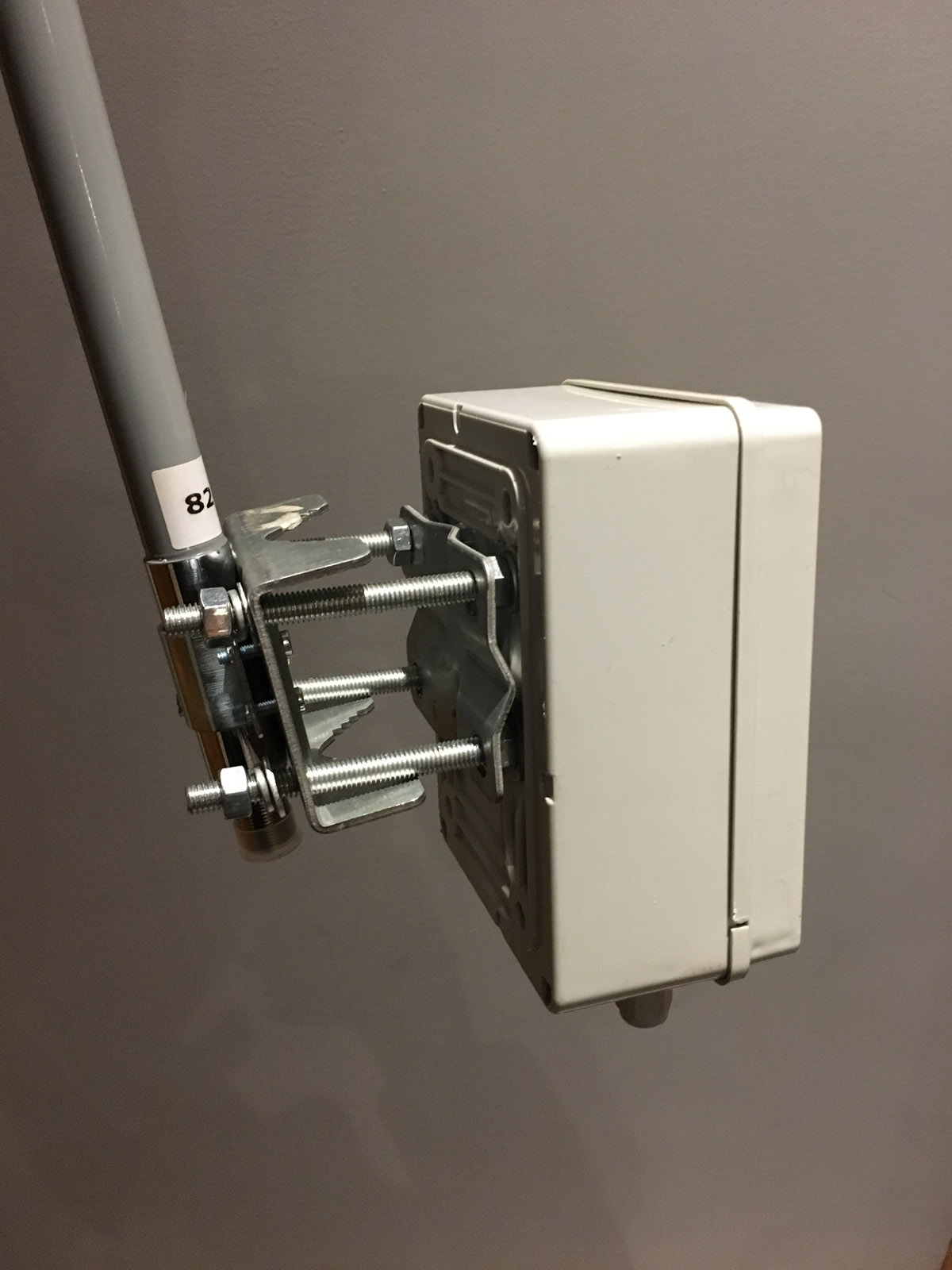
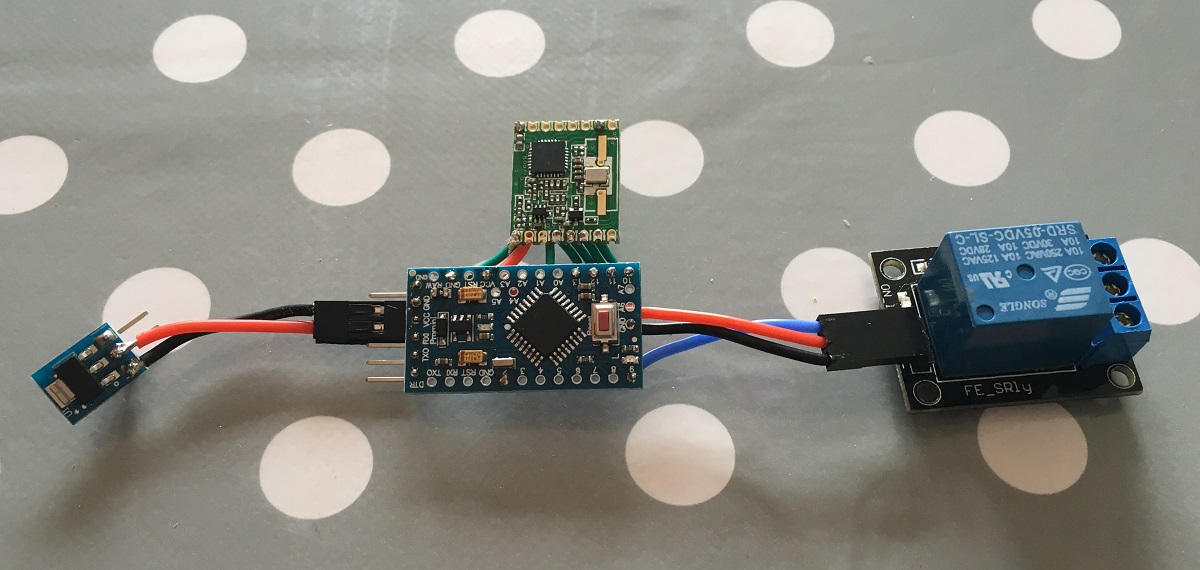
Sleep deprivation has been driving me mad recently. And it’s all down to a new member of the family (kind of), our new dog. She barks at night when she’s left out. She barks early in the morning when she’s left in. So once I recognized the patterns of her barking, I realized that all I needed was something that would let her out when she needed to go for a pee, usually around 6:30 in the morning. I could do this with a timer switch and a door strike, but where’s the fun in that.
Using a DSLR as a Digital Microscope
I’ve recently had the need to solder some small components at home, but don’t have a microscope, or even a decent magnifying glass. But then I thought that I’d a rather expensive DSLR and a pretty good macro lens, along with some extension tubes (allows closer focussing). Now I know that the camera has a Live-View facility (it’s a Canon 5D Mark III), but would the display be output easily to a monitor? Well, in the box that came with the camera, I found a cable which had a composite connector and some kind of A/V connector for the camera, so I set it up as shown in the pictures, a switched on the camera. The menu was displayed on the monitor, as hoped. Once I’d enabled live view and adjusted the settings so the exposure was OK, I zoomed into the display, first x5 and then x10. Each time the live view display was replicated on the monitor.
Also posted in Computer Stuff, Photoshop
4 Comments
Add a 9-pin Serial Port to your Raspberry Pi in 10 Minutes
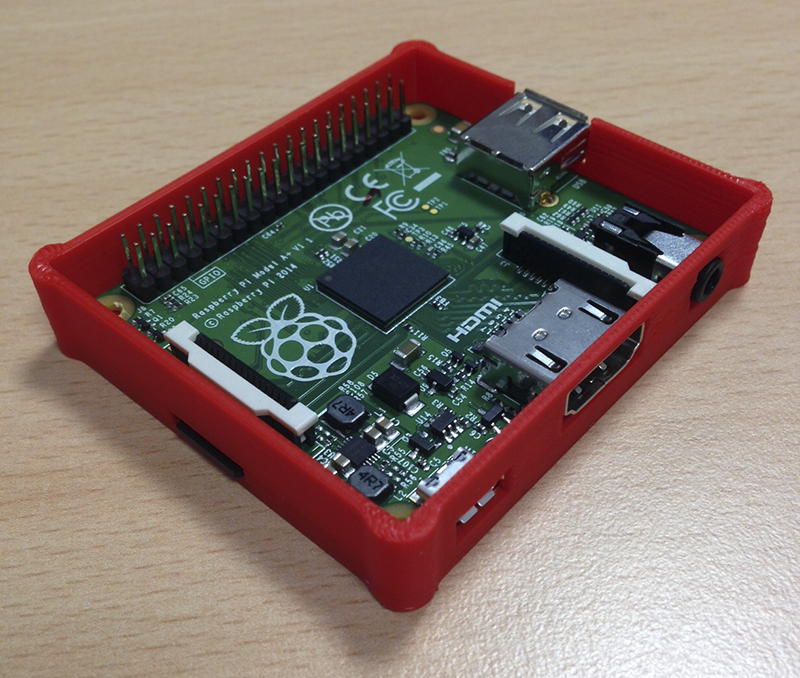
Here’s how to add a 9-pin serial port to your Raspberry Pi, and it’ll only take you 10 mins. Well, maybe a couple of weeks to wait for the part to arrive from Hong Kong, but once it arrives, it’s only 10 minutes!
Here’s the part you’ll need. It’s an RS232 to TTL converter module containing a MAX3232 chip. The MAX3232 is important, as the older MAX232 won’t handle the 3.3v levels of the Pi, whereas the Max3232 will. It comes with a 4-way cable for connecting the module to the GPIO of your Pi. If you search on eBay for “RS232 Serial Port To TTL Converter Module MAX3232″ you should find several. The one I got cost me €3 with free shipping from Hong Kong.
Also posted in Computer Stuff
4 Comments
Lapse Pi – Motorised Time-lapse Rail with Raspberry Pi
Here’s another article in the series of photography related DIY projects using the Raspberry Pi single board computer. This time it’s a Time Lapse rail.
Also posted in Computer Stuff, Photography
36 Comments
RAID Pi – Raspberry Pi as a RAID file server
This mini-project uses a Raspberry Pi as a RAID array controller. Now it won’t be the fastest raid controller on the planet, but if you’re only doing a bit of streaming, and a bit of backup, and would like a bit of redundancy, then this solution might be for you. OK, maybe not. The performance will be slow. Very slow. This article is not meant to be a serious solution, I just did it because I could. I did it to see if it would work. And it seemed to.
Also posted in Computer Stuff
6 Comments
Macro Pi – Focus Stacking using Raspberry Pi
Drop Pi – Water Droplet Photography with Raspberry Pi
Tethering CameraPi to Adobe Lightroom via FTP
This article shows howto send images to Adobe Lightroom from a wireless connected device.
Also posted in Computer Stuff, Photography
7 Comments
HOWTO – Switching on/off a DC motor with a Raspberry Pi
Also posted in Computer Stuff
6 Comments
Camera Pi – DSLR Camera with Embedded Computer
I’ve had the idea of embedding a computer DSLR camera for a couple of years now, but for whatever reason I never got around to implementing it, mostly due to the cost of small single board computers. Until now, that is. With the release of the Raspberry Pi, embedded computing has all of a sudden become much more affordable. At €35 for the computer, it’s far cheaper than any of it’s rivals.
So what I’ve done is take an old (broken) battery grip that I had lying around (for my Canon 5D Mark II), and made a few modifications to it so I could fit the Raspberry Pi SBC (Single Board Computer) into it.
Also posted in Computer Stuff, Photography
252 Comments